01
Amazon affiliates
Open links inside the Amazon app where 1-Click is on, the payment method is saved, and your tag rides through the session.
OfferSwap reads the device, the country, and the installed app, then hands the user off to the native experience where they are already logged in.
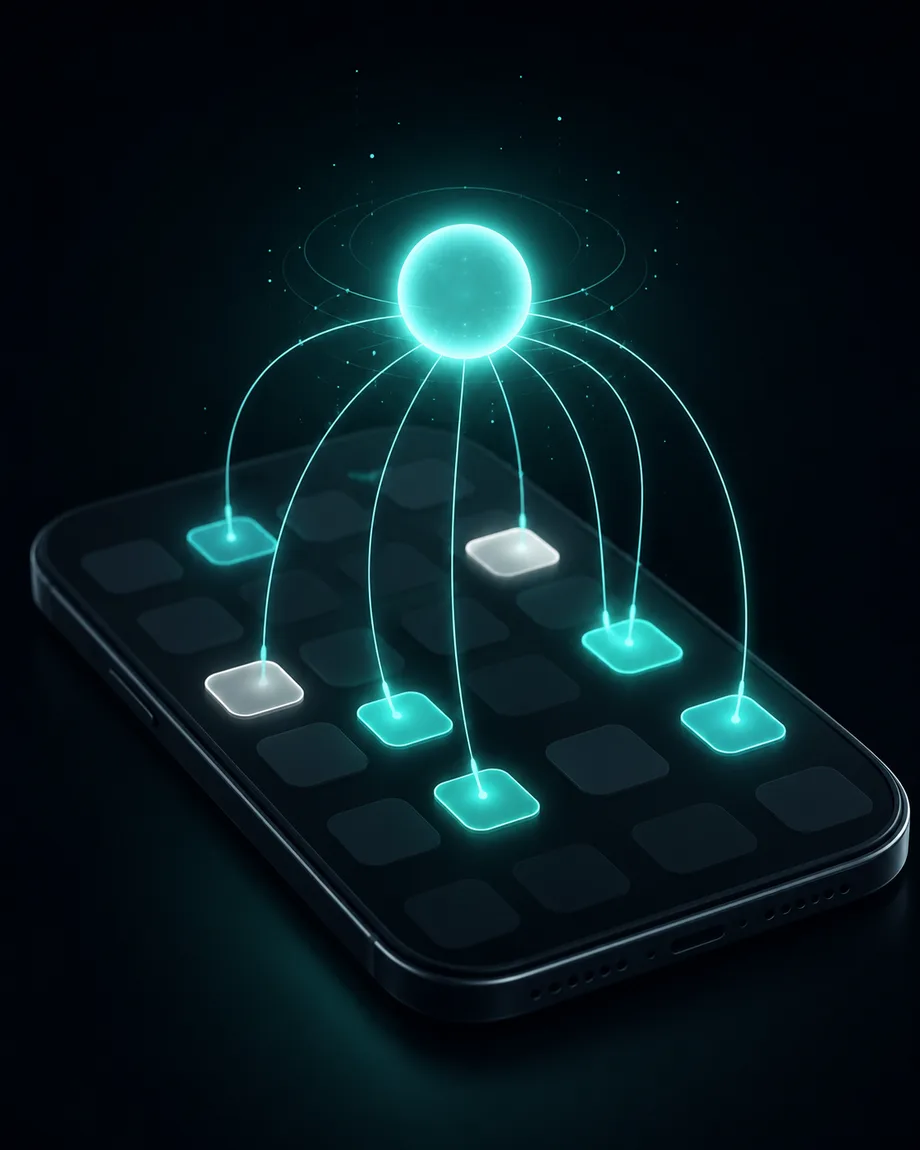
When someone taps a link inside Instagram, TikTok, X or Facebook, the OS hands them to an embedded WebView. No saved logins, no Apple Pay, no Prime. On Amazon, no affiliate cookie that lasts. App Opener exists to short-circuit that handoff. We detect the destination, the platform, and the device, then fire the right URI scheme so the user lands in the actual app instead of the stripped-down browser that is quietly killing your conversion rate.
Open links inside the Amazon app where 1-Click is on, the payment method is saved, and your tag rides through the session.
Send fans to YouTube, Spotify, or Apple Music in-app so a follow or save is one tap, not a forced re-login.
Use App Opener as the destination on Meta and TikTok ads to escape the WebView before your checkout sees it.
Every click is parsed for iOS vs Android, browser, and CF-IPCountry before we decide what to hand off.
iOS gets the universal-link / com.amazon.mobile.shopping.web flow. Android gets a proper intent:// with the package name.
If the app is not installed, we drop the visitor to the mobile web destination. Same URL, no broken click.
Ship our MCP server to Claude, Cursor, or any agent and let it create, audit, and rotate App Opener links by voice.
Every handoff logs country, device, browser, and referrer. See it all on the same dashboard as your regular links.
App Opener is the default behavior on every OfferSwap short link. No upgrade, no add-on, no separate flow.
Drop any Amazon /dp/ URL, YouTube video, or Spotify track into the dashboard or send it to your agent.
A short base62 code is generated and the destination is parsed for known app patterns (ASIN, video ID, etc).
On click, the resolver sniffs the UA, fires the right scheme, and falls back to web only if needed.
A link that detects the visitor’s device and hands them off to a native mobile app instead of a WebView. The user lands logged-in, with payment methods saved, ready to act.
Amazon, YouTube, Spotify, Apple Music, Instagram, TikTok, X, Walmart, Target, Etsy, eBay, and a long tail of others. The full list lives on /resources/supported-apps.
We fall back to the regular web destination in the user’s default browser. Same URL, same affiliate tag. They just lose the native experience.
Desktop visitors get a clean 302 to the destination. App opening is mobile-only because that is where the WebView problem actually lives.
Yes. The OfferSwap MCP server exposes create_link, list_links, and stats endpoints so Claude, Cursor, Cline, Hermes and others can manage App Opener links directly.
No. App Opener links look like any other shortened URL to the ad platform. The handoff happens on click, after the ad has already been served.
Connect your agent in 30 seconds. One MCP install, no card.